Reading practice app for children
With stories that feature your child.
Lina and the little dragon follow the shining star home.
Follow the voice word by word.
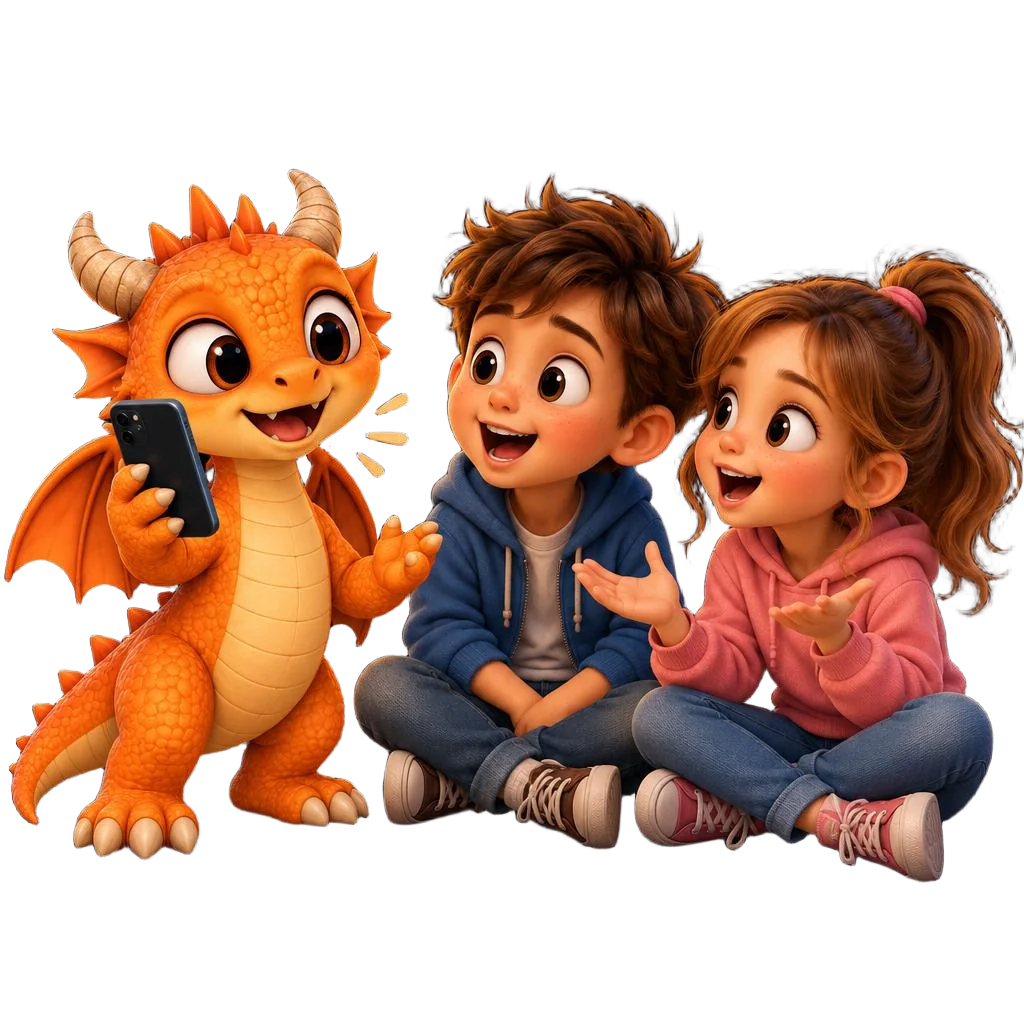
Reading practice can feel like a little adventure. In SchlummerMärchen, your child listens to a personal story and reads along. The voice sets the pace, and the word being spoken is highlighted.
All sample stories without registration.
- Large text
- Adjustable reading speed
- Directly in your browser
Turn a story into your next reading session.
1. A story that sparks curiosity
Start with a sample story or create a personal story for your child. What will happen next?
2. Room for the text
Click “Read along” to open the large reading view. Images and navigation step aside. Choose a text size that feels comfortable.
3. Follow the voice
The app reads aloud and highlights the spoken word. The text scrolls automatically. You choose the pace and pauses together.
When your child appears in the story, there is so much to discover.
Their own name. Familiar loved ones. A new adventure. A personal story gives you a reason to discover the next sentence together.
Reading practice becomes part of something you already enjoy together: listening to a story and talking about it.
- Keep the current word in view
- Highlighting shows where the voice is reading. Your child can follow the spoken words in the text.
- A calmer screen
- In read-along mode, the text has the whole view to itself. Three text sizes make room for readers of all ages.
- Time for your pauses
- Look at a word again, ask a question or have a quick cuddle: pause the voice, then continue from the same place.
Try our reading practice app together.
You can listen to and read along with all these sample stories for free. Open a story and tap “Read along” – no registration needed.


Questions about the reading practice app
How does my child practise reading with the app?
Choose a story and open “Read along”. As the voice reads, the current word is highlighted. Your child can listen and follow the text with their eyes. If you need more time, pause or slow down the voice.
Which children is read-along mode designed for?
Read-along mode is for children who can read their first words or are already practising reading in primary school. Try a sample story together and see whether the text and reading speed suit your child's reading level.
Can I try the reading practice app for free?
Yes. All published sample stories are available to listen to and read along with, without registration. After registering, you can also create a free story for your child without starting a subscription.
Do we need to install anything?
No. You can open SchlummerMärchen directly in your browser on a phone, tablet or computer. To get started, all you need is a sample story and the “Read along” button.
Can we make the text larger?
Yes. Read-along mode offers three text sizes. The app remembers your choice on your device. You can also adjust the reading speed and pause at any time.
Tonight, your child hears a story about themselves.
Create your first personal story and discover how listening and reading along work together.
Create your own free storyOne free story after registration, without a subscription.